Guide
Treadmill apps and subscriptions explained
Published
Note: This page contains affiliate links. If you buy through them we may earn a commission at no extra cost to you. Learn more
In short
Most treadmills and walking pads work without any app: you set speed and incline from the console or remote. Maker apps such as KS Fit for WalkingPad are generally free for basic control. Platforms such as iFit, Kinomap and Zwift offer extra features on a paid subscription. Bluetooth FTMS support lets many treadmills share data with third-party apps. Check exactly what needs a subscription before you buy.
Products for this job
Compare all 7 productsKALWOL 4-in-1: 10% incline, 40 dB or less, 160 kg
Check price on AmazonAffiliate linkFOUSAE 5-in-1: 1 to 12 km/h, fold-down handle, 160 kg
Check price on AmazonAffiliate linkKALWOL 6-in-1: 12 km/h, fold-down handle, 40 dB or less
Check price on AmazonAffiliate link
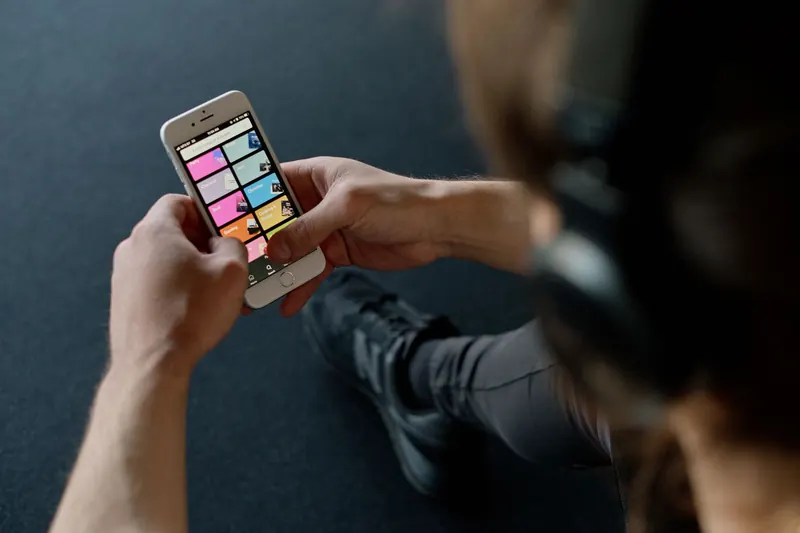
Treadmill listings increasingly mention apps: iFit on NordicTrack and ProForm, KS Fit on WalkingPad, Kinomap and Zwift compatibility on many others. It can be hard to tell what is free, what needs a paid subscription and what the machine can do without either. This guide explains the main types of treadmill app, how Bluetooth connections work, and what to check before you buy. It does not cover subscription prices, which change often; check the provider's own website for current terms.
Three kinds of treadmill app
Treadmill apps fall into three broad groups, and a single machine may work with more than one.
| Type | Examples | Typical cost model |
|---|---|---|
| Maker control app | KS Fit (WalkingPad), Urevo app | Usually free for basic control |
| Maker platform | iFit (NordicTrack, ProForm) | Subscription for full features |
| Third-party training app | Kinomap, Zwift | Subscription, some free content |
| Activity and health apps | Apple Health, Google Fit, Strava | Data sharing, varies by app |
Maker apps: basic control and logging
Many walking pads come with a free maker app that connects over Bluetooth. Typical features include starting and stopping the belt, changing speed, switching modes and keeping a log of sessions. KS Fit for WalkingPad is a well-known example. Some apps sync to Apple Health or Google Fit.
These apps are a convenience rather than a requirement on most pads. The remote or console still controls the machine if you never install the app.
Maker apps often need an account, and some features such as firmware updates may only be available through the app. It is worth installing it once to check for updates even if you prefer the remote day to day.
iFit and NordicTrack or ProForm treadmills
NordicTrack and ProForm treadmills are designed around iFit, which offers trainer-led sessions where the treadmill can adjust speed and incline automatically, plus features such as maps. Those features need an iFit membership.
A common question is whether you need iFit to use the treadmill at all. Generally, these treadmills can still be used manually without a membership, with speed and incline set from the console. What is available without a membership has varied between models and over time, so check the current terms on iFit's and the maker's website before buying.
Bluetooth FTMS, Kinomap and Zwift
FTMS (Fitness Machine Service) is a Bluetooth standard that lets fitness equipment share data such as speed, distance and incline with apps. A treadmill that supports FTMS can usually connect to third-party apps such as Kinomap and Zwift without extra hardware. Some apps can also control speed or incline on supported machines.
Not all treadmills that mention Bluetooth support FTMS; some only connect to their own app. Check the listing or the app maker's compatibility list for your exact model. Our smart treadmills guide focuses on models that connect to these apps.
- Bluetooth to maker app only: control and logging in that app.
- Bluetooth FTMS: data shared with many third-party apps.
- Footpod or sensor: an alternative for treadmills without FTMS.
- No connectivity: use the console and track sessions manually.
What to check before you buy
App features can change after you buy, so focus on what the machine does on its own and treat app features as extras.
- 1
Check the machine can be controlled fully without an app.
- 2
Check which features need a subscription, on the provider's own site.
- 3
Check whether a membership is bundled and what happens when it ends.
- 4
Check FTMS support if you want Kinomap, Zwift or other apps.
- 5
Check app compatibility with your phone or tablet.
Note:Apps and Bluetooth connections can ask for location, health and account data. Review the permissions and privacy settings when you install them.
Where to go next
For walking pads with app control, see our walking pads guide and under-desk treadmills guide. For running decks with incline that can be controlled by apps, see incline treadmills. To translate app speeds and paces, use the pace and speed converter.
Frequently asked questions
Do I need iFit for a NordicTrack treadmill? Generally not to use it manually, but trainer-led sessions and automatic adjustments need a membership. Check current terms on iFit's website.
Is the WalkingPad app free? KS Fit is generally free to download and use for basic control and logging. Check the app store listing for current details.
Can I use Zwift with any treadmill? Not with every one. Treadmills that support Bluetooth FTMS usually connect directly; others may need a footpod.
Will my walking pad stop working without the app? Most walking pads work with the remote or console alone. Check the manual for your model.
What you need
- Check price on AmazonAffiliate link
KALWOL 4-in-1: 10% incline, 40 dB or less, 160 kg
- Check price on AmazonAffiliate link
UMAY treadmill: 15% auto incline, 12 km/h, 180 kg